
How to use Walmart swatches
Swatches help display the best visual representation of a product to your customers.
⚠️ Walmart swatches are only available in variation listings using the Color attribute.
- Go to Listings > Channel Listings, then choose your Walmart store from the store picker at the top left of the list
- Search for the SKU and click Edit
- Click inside the Images box to open the Edit Images window
- Below the Variations Images section: Upload swatch images based on color:
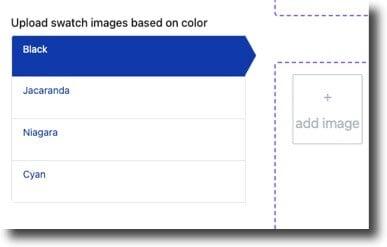
- Click + Add image or add the image via URL
- Click Update Images
