
Connect a new Amazon integration
Connect your Amazon store to begin the process of importing your listings and inventory quantities.
Use the steps below to connect any of the following Amazon regions:
- United States
- Canada
- Mexico
- United Kingdom
- Spain
- France
- Germany
- Italy
- Saudi Arabia
- India
- United Arab Emirates
- Japan
- Australia
- Singapore
How to add your Amazon store
- Login to your Listing Mirror account.
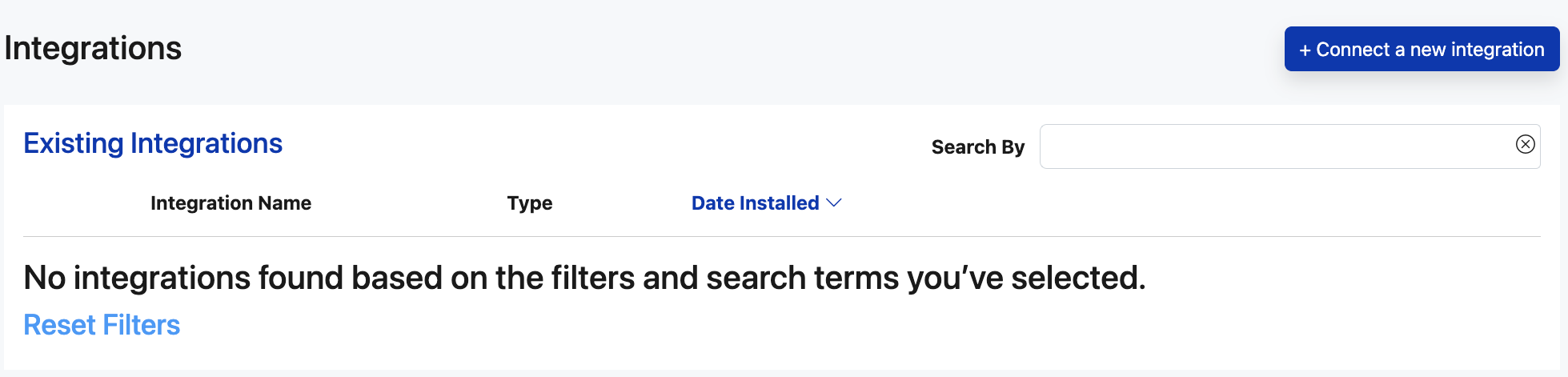
- From the left menu, click Channels, followed by Connected channels.
- On the Connected channels page, click Connect a new integration at the top right
- Select the correct Amazon region from the list.
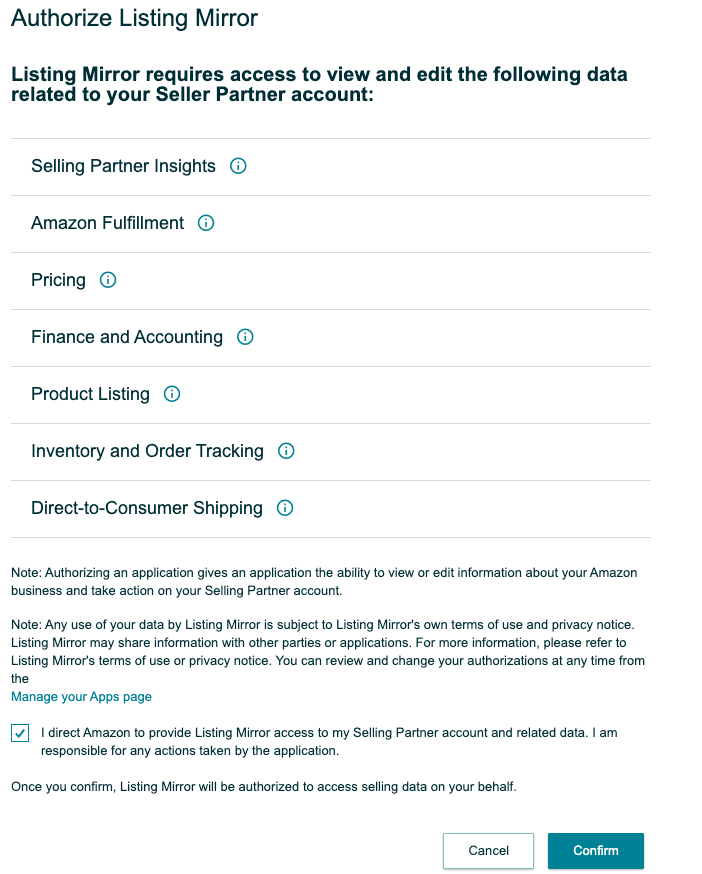
- Agree to the terms, and click Confirm.
- Answer the onboarding questions, and that's it!
To remove Listing Mirror from your Amazon account, you can do so from the Manage Your Apps page on Amazon.